Overview
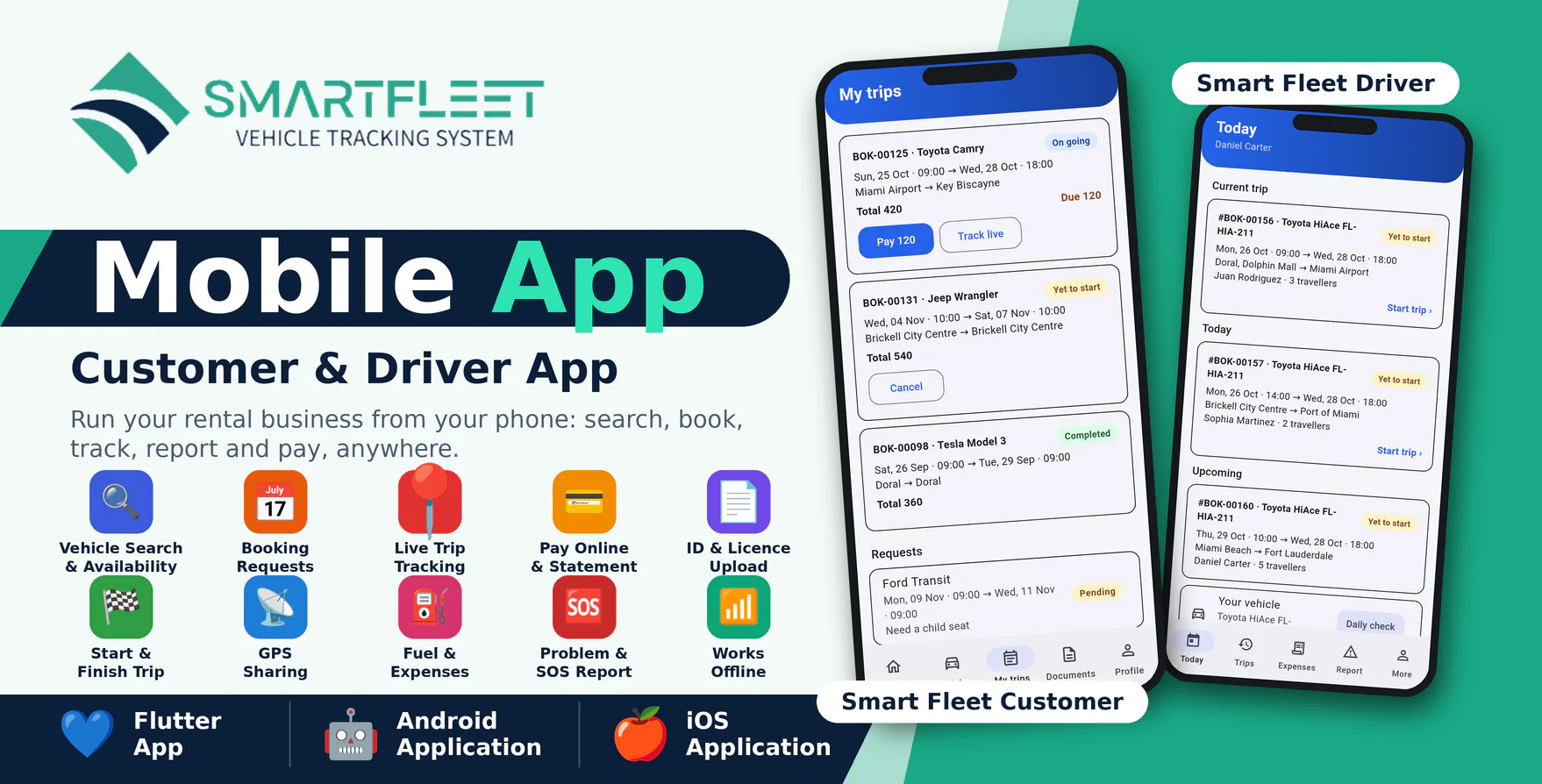
Smart Fleet Mobile Apps are two modern Android and iOS applications designed as companion apps for the Smart Fleet SaaS - Vehicle Rental & Tracking Management System: Smart Fleet Customer for the people who rent from your owners and Smart Fleet Driver for your drivers.
With Smart Fleet Customer, renters search vehicles by name, model or colour, check which ones are free for their dates, send a booking request, see the trip step by step, pay online, follow a running trip live on the map, cancel inside the free window, rate the trip and upload their ID and driving licence. With Smart Fleet Driver, drivers see today's trips, start and finish them with odometer, fuel and photos, share their GPS position while the trip runs, log fuel and expenses (even without signal), do the daily vehicle check and report problems or send an SOS to the office.
The applications are developed using Flutter and Dart and communicate securely with the Smart Fleet SaaS website through API integration. One published build serves every owner: customers and drivers enter the owner's app code (or scan its QR code) and the app shows that owner's logo and colours.
Important Requirement
These mobile applications require Smart Fleet SaaS v2.0 or newer installed on an HTTPS-enabled domain. The Smart Fleet SaaS web application is required and is sold separately.
Demo Details
Admin Demo URL : Smart Fleet SaaS Web/Admin URL
Android Documentation: Open Documentation
IOS Documentation: Open Documentation
Customer Demo Application: Download Customer Demo Application
Client (Smart Fleet Customer)
Email : client@gmail.com
Password : 123456
Driver Demo Application: Download Driver Demo Application
Driver (Smart Fleet Driver)
Email : driver@gmail.com
Password : 123456
Why Choose Smart Fleet Mobile Apps?
- Two apps in one package: Smart Fleet Customer and Smart Fleet Driver, each for Android and iPhone.
- Rent, track and manage vehicles from anywhere.
- One app for every owner: app code or QR code, with the owner's own logo and colours.
- Live trip tracking: customers see the vehicle on the map, drivers share their position only while a trip runs.
- Online payment on the owner's secure payment page; card data never passes through the app.
- Fuel, expenses and problem reports are saved on the phone without signal and sent when it returns.
- Real-time push notifications for requests, confirmations and trips.
- Secure API-based communication with Smart Fleet SaaS.
- Modern and responsive Flutter-based mobile interface.
- Tested code: unit and screen tests included.
Customer Features (Smart Fleet Customer)
Vehicles & Availability
Renters find the right vehicle in seconds.
- Vehicle list with photos, transmission, fuel, features and price per day.
- Search by name, model, colour or plate.
- Pick a date range to see only the vehicles that are free, marked Available.
- Save favourite vehicles with the heart.
- Week and month rates applied automatically when cheaper.
Booking Request
A request in one screen.
- Live price for the chosen vehicle and dates.
- Pick-up and drop-off address, travellers and a note.
- Requests list with status (pending, approved, declined).
Trips, Payment & Live Tracking
Everything about a booking on one page.
- Progress timeline from request to completed trip.
- Route with directions, your driver with a call button, vehicle details.
- Payment summary, balance due and Pay online (secure payment page opens already signed in).
- Rental agreement status and invoice.
- Cancel inside the free-cancellation window.
- Live position of a running trip on the map and a link to share it.
- Rate a finished trip.
- Statement with totals paid and due.
Documents & Profile
- Photograph and upload ID or driving licence; see when it is approved.
- Edit name, phone and address; change password.
- Call, WhatsApp and email buttons of the owner.
- Push notifications.
Driver Features (Smart Fleet Driver)
Today & Trip Details
The driver's day at a glance.
- Current trip, trips of the day and upcoming trips.
- Route with navigate buttons, customer with a call button, notes.
- Assigned vehicle with the daily check.
- History of finished trips.
Start & Finish Trip
- Odometer, fuel level and up to 4 photos at start and finish.
- Distance calculated automatically.
- Results of the start check shown at the finish.
GPS Sharing
- Position is shared while a trip runs, also with the screen off (notification shown).
- Sharing stops when the trip ends.
- Feeds the owner's live map and the customer's live link.
Fuel, Expenses & Reports
- Log fuel (litres, amount) and expenses (toll, parking, wash) with a receipt photo.
- Daily vehicle check with photos.
- Report a breakdown, damage or accident, or send an SOS; the office is told straight away with the position and replies show in the app.
- Works without signal: entries are saved on the phone and sent automatically.
Owner Branding & Control
- Sign in with an app code or a scanned QR code.
- The sign-in screen shows the Smart Fleet system logo; after sign-in the app shows the owner's logo, name, colours, welcome text and contact buttons.
- The owner edits the branding and tabs in Mobile Web App and prints or shares the QR code.
- The super admin controls store links, minimum version, maintenance mode, features and the Firebase key in Mobile App Console.
Technical Details
- Flutter and Dart, one code base per app.
- Four projects: customer android_app and iphone_app, driver android_app and iphone_app.
- Smart Fleet SaaS REST API (Sanctum tokens), contract included as openapi.yaml.
- Push notifications through Firebase (optional).
- Secure storage for the session.
- Android 6.0 or newer; iPhone apps need iOS 15 or newer.
- Flutter SDK required to build; iPhone builds need a Mac with Xcode.
What You Get
- Full Flutter source code of Smart Fleet Customer and Smart Fleet Driver for Android and iPhone.
- Step-by-step Android and iPhone guides covering build, signing, push notifications and store publishing.
- API contract (openapi.yaml) and store screenshots.
- Future updates.
- Support through our ticket system.